
Quick Summary
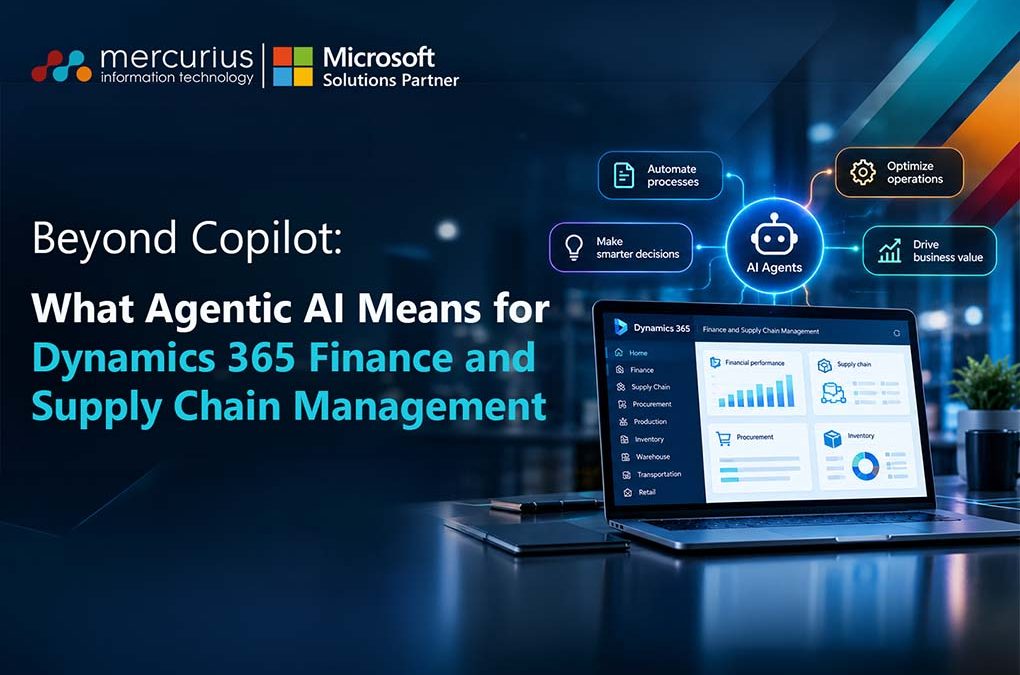
Agentic AI in Dynamics 365 FSCM goes beyond Copilot by supporting finance and supply chain automation, improving decision-making, and enabling controlled actions through intelligent agents.
Key Takeaways
- Agentic AI takes Dynamics 365 beyond Copilot through goal-driven, multi-step business processes.
- Finance agents streamline reconciliations, identify exceptions and support faster financial decisions.
- Procurement agents assess supplier changes and highlight risks across inventory and production.
- Strong data, security, governance and human oversight are essential for successful agentic ERP adoption.
Introduction
Agentic AI in Dynamics 365 Finance and Supply Chain Management (FSCM) means software agents that don’t just answer questions like Copilot does. They understand a goal, analyse your business data and take action, such as reconciling accounts or following up with suppliers, within the permissions and approvals you set. Microsoft already ships agents for account reconciliation and supplier communication, and more are on the way.
If you run finance, operations or IT, this shift matters now. It creates opportunities to reduce repetitive work, improve operational visibility and make faster decisions without losing control over critical business processes.
In this blog, we explain what agentic AI is, how it differs from Copilot, which capabilities are available in Dynamics 365 FSCM, where they can help most and how to prepare your organisation.
We will also cover it live in our free webinar on Wednesday 4 November 2026 at 11:00 am GMT.
What is Agentic AI in Dynamics 365 FSCM?
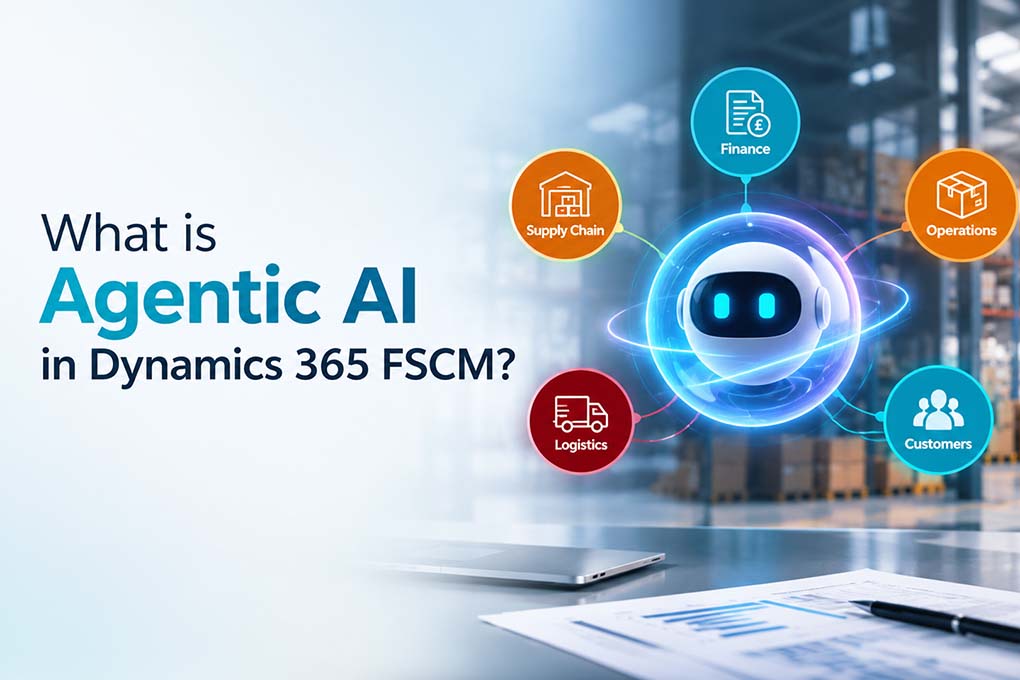
Agentic AI is artificial intelligence that can work towards a goal with limited human input. Instead of waiting for a prompt, an AI agent can respond to configured events, analyse available information, identify an issue and determine an appropriate next step.
You can think of it as the difference between a helpful colleague who answers when asked and one who notices the problem, fixes it and tells you afterwards.
In Dynamics 365 FSCM, those agents work with your live finance and supply chain data. Their ability to act depends on their configuration, permissions and available capabilities. Your team stays in control by setting the rules, approvals and boundaries.
How is Agentic AI Different from Copilot?
Copilot is an assistant. Agentic AI is a participant. Copilot helps one person do a task faster. An agent can run part of a process on its own and bring in a human when judgement is needed.
| Comparison | Copilot | Agentic AI |
|---|---|---|
| Trigger | Usually responds to a user prompt | Can respond to configured events, triggers or goals |
| Scope | Supports individual tasks | Can coordinate multi-step processes |
| Action | Summarises, drafts and recommends | Analyses information and performs authorised actions |
| Human role | Directs the task and uses the output | Sets boundaries, approves exceptions and oversees outcomes |
The two work together rather than compete. Copilot helps employees work more productively, while agents can coordinate defined processes and reduce repetitive manual intervention. Many organisations will use both.
How Does Agentic AI Work in Dynamics 365 FSCM?
Agentic AI combines business context, ERP data, defined objectives and controlled access to business processes. An agent can identify a configured event, assess the available information, determine the next appropriate step and either perform an authorised action or bring the issue to a person for approval.
Consider a supplier who emails your procurement team to say that an order will arrive two weeks late.
In a traditional process, a buyer would review the email, locate the purchase order, check inventory and production dependencies, and determine whether the delay affects customer commitments.
With the Procurement Agent in Dynamics 365 Supply Chain Management, supplier communications and impact analysis can support this process:
1. Identify the change: The agent processes a supplier email and identifies a proposed purchase order delivery-date change.
2. Analyse the impact: Impact analysis checks related purchase orders, production orders, sales commitments and inventory levels.
3. Highlight the risk: The system identifies whether the change could affect production schedules, customer deliveries or inventory thresholds.
4. Support the decision: The purchasing team reviews the findings and decides whether to accept the change, negotiate an alternative or take corrective action.
The important distinction is that the agent helps identify and evaluate the consequences of a supplier change. It does not independently make every procurement decision. The buyer retains control over the final action.
How Does Agentic AI Help Finance Teams?
Finance teams spend considerable time on work that is necessary but not strategic. Agentic AI can help reduce this administrative burden by supporting reconciliation, exception handling and other repetitive finance processes.
Some of the key applications include:
- Faster reconciliations: The Account Reconciliation Agent helps match subledger transactions with general ledger balances, identify discrepancies and recommend ways to resolve exceptions.
- Proactive exception monitoring: Instead of manually investigating every transaction at month-end, teams can use agent-supported workflows to identify discrepancies and prioritise issues that need attention.
- Better financial analysis: AI-assisted analysis can help finance teams understand transaction patterns, investigate variances and make more informed planning decisions.
- Collections and receivables support: Emerging Finance Agent capabilities can help teams prepare for collections activities and analyse customer payment information across connected Microsoft 365 experiences.
How Does Agentic AI Help Supply Chain Teams?
Supply chains change daily, and manual processes can struggle to keep up. In Dynamics 365 Supply Chain Management, agentic AI capabilities can support supplier engagement, purchase order management and operational decision-making.
Three areas are particularly relevant:
- Supplier engagement: The Procurement Agent can classify incoming supplier emails, identify purchase order confirmations or change requests and support routine follow-ups.
- Purchase order impact analysis: When suppliers propose changes to delivery dates or quantities, the agent can assess their downstream impact on inventory, production schedules and customer deliveries.
- Demand planning and warehouse efficiency: Microsoft’s AI-assisted planning and warehouse capabilities provide additional insights into demand, forecast accuracy and warehouse operations.
Which AI Agents are Available in Dynamics 365 FSCM Today?
As of August or October 2026, the following first-party AI agents and core agent capabilities are available for Dynamics 365 FSCM & Dynamics 365 Finance and Operations:
Finance AI Agents
- Account Reconciliation Agent: Helps finance teams match subledger and general ledger transactions, identify discrepancies and receive AI-generated recommendations for resolving exceptions. Its evolving capabilities include improved transaction matching, tolerance-based rules and automated exception classification.
- Finance Agent capabilities: Microsoft has also outlined broader Finance Agent skills covering reconciliation, data preparation, variance analysis, collections and business intelligence across Microsoft 365 experiences, including Microsoft 365 Copilot, Excel, Outlook and Teams. These should be assessed against Microsoft’s current roadmap and availability documentation rather than assumed to be generally available as a standalone FSCM agent.
Supply Chain Management AI Agents
- Supplier Communications Agent (Live): Pre-configured agent that automates or semi-automates supplier communications and follow-ups.
- Procurement Agent (Managed Experience): Integrates supplier communications with impact analysis for a streamlined procurement process.
- Product Change Management Agent Template: Structured template for managing engineering and product change workflows using AI.
- Procurement Agent – Impact Analysis: Evaluates how supplier-proposed changes to purchase orders could affect inventory, production schedules, transfer orders and customer deliveries. It helps purchasers understand the consequences before deciding how to proceed.
Other AI-Assisted Capabilities
Beyond dedicated agents, Microsoft is embedding AI across supply chain planning and operational workflows. These include generative insights for demand analysis, AI explanations for forecast accuracy and improvements to warehouse operations.
Not every AI-powered feature is an autonomous agent. Some provide insights or recommendations, while others can support multi-step processes and authorised actions.
Both the Account Reconciliation Agent and Procurement Agent capabilities discussed above are documented as production-ready previews. Availability depends on supported application versions, environment prerequisites, configuration and applicable licensing.
Organisations should check Microsoft’s Account Reconciliation Agent documentation and Procurement Agent overview before planning deployment.
Why Does Agentic AI Matter Now?
Organisations are facing increasing pressure to improve efficiency, reduce costs and respond more quickly to changing business conditions.
Traditional ERP systems provide visibility.
Copilot enhances productivity.
Agentic AI takes the next step by enabling software agents to support and execute defined business processes on behalf of users.
Microsoft’s September 2026 agentic ERP announcement highlights a broader direction in which AI agents can work across traditional application boundaries, connecting finance, supply chain, commerce and other business operations.
The immediate opportunity is not to automate every ERP process. It is to identify where repetitive work, delayed decisions and fragmented information affect business performance.
The question is no longer simply whether AI will transform ERP. It is how prepared your organisation is to adopt these capabilities responsibly.
What Is the Dynamics 365 ERP MCP Server, and Why Does It Matter?
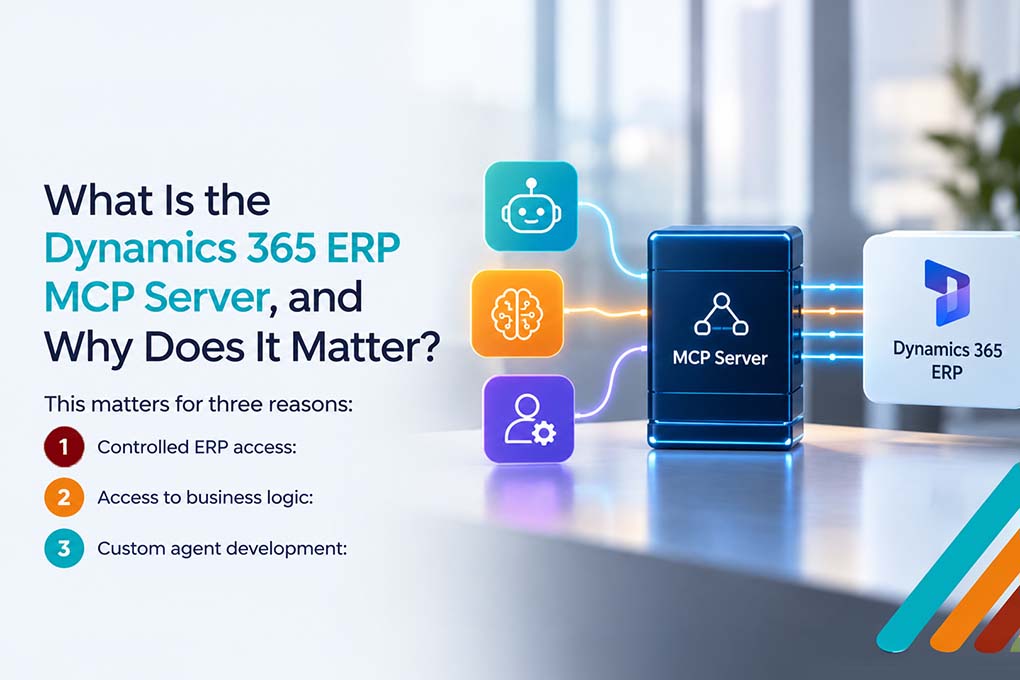
MCP stands for Model Context Protocol. It is an open standard that allows AI agents to connect with business systems, access relevant information and interact with application functionality.
Microsoft’s Dynamics 365 ERP MCP server provides a standardised way for compatible agents to interact with finance and operations data and business logic.
This matters for three reasons:
1. Controlled ERP access: Agents can access data and business operations within the applicable security roles and environment context.
2. Access to business logic: The server provides tools for data operations, application forms and business actions, allowing agents to interact with ERP functionality.
3. Custom agent development: Organisations can use compatible agent platforms, including Copilot Studio, to build agents for processes that Microsoft does not cover out of the box.
There is also an important update to Microsoft’s MCP approach. The earlier static Dynamics 365 ERP MCP server was scheduled for retirement on 1 October 2026. Microsoft now recommends using the dynamic ERP MCP server to avoid disruption and support a broader range of agent interactions.
You do not need to master the protocol to benefit from it, but understanding its role helps explain how Microsoft is building the foundations for agentic ERP.
For technical details, see Microsoft’s Model Context Protocol documentation for Finance and Operations apps.
Is Agentic AI safe? Governance, Data and Security Basics
Agents act, so governance matters more than it did with Copilot. Before you switch anything on, get four foundations right:
- Identity and permissions: Decide what each agent can access and do. Apply least-privilege access and configure dedicated agent identities where required.
- Data protection: Protect sensitive financial, supplier and operational information. Review data access policies and ensure agents only use information appropriate to their role.
- Human oversight: Set approval thresholds for high-value or sensitive actions. Define when an agent can proceed independently and when a person must intervene.
- Monitoring and auditability: Track agent activity, decisions, exceptions and changes so that teams can review what happened and investigate unexpected outcomes.
- Environment discipline: Test agents in a sandbox or suitable non-production environment before wider deployment. Treat preview features with care and validate their behaviour.
Organisations should also consider licensing and running costs. Depending on the agent and its configuration, deployment may involve additional Copilot Studio credits, application prerequisites and environment requirements.
Good governance is what lets you scale agents with confidence. It’s also one of the biggest areas where organisations need guidance, and Mercurius IT team will cover it in the webinar.
How to Get Your Organisation Ready for Agentic ERP
A large-scale implementation is not necessary. A phased approach is more effective for a successful adoption of agentic ERP:
1. Begin by identifying key pain points. Select one or two bottlenecks, such as financial close, supplier follow-ups, or demand planning.
2. Assess your foundational systems. Review your Dynamics 365 version, update frequency, and data quality.
3. Pilot a single agent in a sandbox environment with a small team.
4. Establish clear guidelines by defining roles, approval processes, and audit requirements.
5. Measure results and plan for scaling. Track time savings, close duration, and supplier response times before expanding.
Microsoft is adopting a continuous roadmap. Monitor its release plans instead of waiting for major updates.
The Future of ERP Is More Proactive
Agentic AI is changing how organisations interact with their ERP systems. Instead of relying entirely on employees to identify issues, investigate exceptions and initiate routine processes, businesses can use AI agents to support these activities within defined operational and security boundaries.
For organisations running Dynamics 365 Finance and Supply Chain Management, the opportunity lies in identifying the right processes, establishing strong governance and adopting these capabilities at a manageable pace.
The transition will not happen overnight. But organisations that start building their data, process and governance foundations now will be better prepared to take advantage of Microsoft’s evolving agentic ERP capabilities.
Join our free webinar: Beyond Copilot, the Agentic Future of Dynamics 365 FSCM
Want to see how this applies to your business? Join our Microsoft Solutions Partner team for a practical session.
Time: 11:00 am GMT
Speaker: Himanshu Pandya
Cost: Free, with a Q&A session and a recording sent to all registrants
You’ll learn:
- Microsoft’s vision for Agentic ERP and how AI is evolving from assistance to autonomous action.
- How AI is moving from assistance to autonomous action
- Real-world AI use cases across Finance, Supply Chain and HR.
- Identify opportunities to improve efficiency and productivity
- How agentic capabilities could shape the future of business applications.
- Prepare your organisation for the next evolution of business applications
- Gain practical guidance on adopting AI responsibly within Dynamics 365.
Frequently Asked Questions
What is the difference between Copilot and agentic AI in Dynamics 365?
Copilot helps users complete tasks such as summarising information, drafting content and generating recommendations. Agentic AI pursues defined goals, analyses business data and can perform authorised actions across multi-step processes, while humans manage approvals and exceptions.
Which AI agents does Dynamics 365 Finance and Supply Chain Management offer?
Microsoft provides capabilities such as the Account Reconciliation Agent in Finance and the Procurement Agent in Supply Chain Management, which includes supplier communications and impact analysis. Both are documented as production-ready previews, so availability and deployment requirements should be checked before implementation.
How does the Procurement Agent work in Dynamics 365?
The Procurement Agent supports supplier communications and purchase order impact analysis. It can classify supplier emails, identify proposed purchase order changes and evaluate their potential effects on inventory, production schedules and customer deliveries. Purchasers review the findings and decide how to proceed.
How much does it cost to implement agentic AI in Dynamics 365?
The cost depends on the selected agent, application prerequisites, licensing and usage. Some capabilities, such as the Procurement Agent, consume Microsoft Copilot Studio credits. Organisations should assess licensing and expected usage alongside implementation and governance costs.