
Get started with a market-leading CRM quickly with minimum investment!
Help your sales teams work more efficiently from a comprehensive solution that provides all the necessary tools to build better relationships and close more deals.
Experience the benefits of Dynamics 365 first-hand, then scale up the solution as your business requirements evolve.

Everything you need
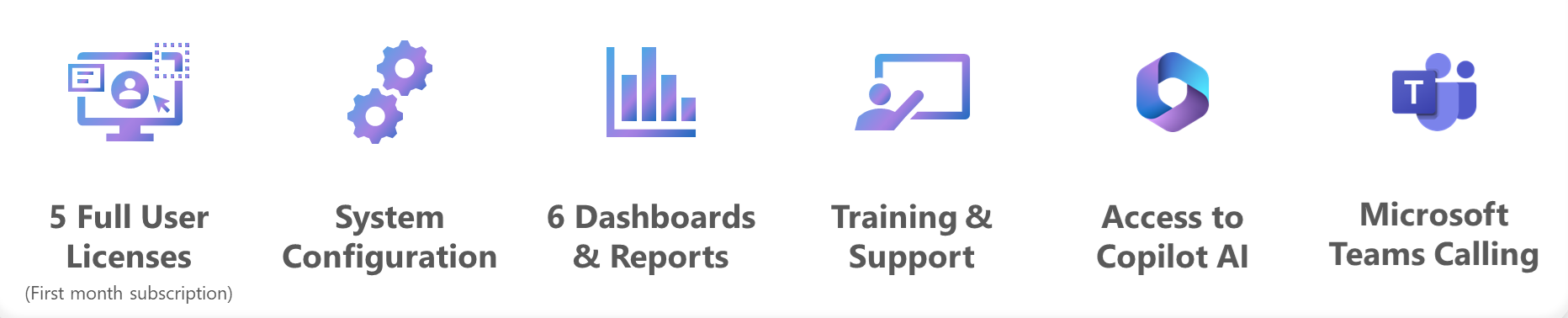
Our quick start package enables you to get started as quickly as possible, with everything included at a fixed cost.
Why choose Quick Start?
We understand that not everyone is familiar with the advantages of a CRM system, and many businesses are hesitant to invest heavily upfront. That’s why our Quick Start package offers everything you need at a single, fixed cost, allowing you to get started without breaking the bank.
Drawing on our experience working with organisations across various industries, we know that transitioning to a dedicated CRM can feel daunting. Our goal is to help you begin your Dynamics 365 journey with ease, offering a straightforward service with no hidden costs.
Get started with the solution in 10 days and expand it as your business grows. Plus, our expert consultants will guide you through how we can tailor the system to support your specific business goals and evolving needs.

Features |
Starter
( £ 7,999 ) |
Advanced( Contact Sales ) |
| Environment Provision | ✅ | ✅ |
| Configure Out of the Box (OOB) Dynamics 365 | ✅ | ✅ |
|
Standard Dashboard and Reports 1. Sales Activity Dashboard |
✅ | ✅ |
| Standard enablement of D365 and SharePoint Integration for Document Management for account, contact, Lead, Opportunity and Quote entities only | ✅ | ✅ |
| Standard Configuration of Core Entities – audit, mandatory field, field placement on forms. | ✅ | ✅ |
| Set-up, testing & training of mailbox setup along with Outlook integration | ✅ | ✅ |
| Documentation | ✅ | ✅ |
| Free post go-live Hyper Care support | ✅ | ✅ |
| Copilot – Record updates, Email and meeting assistance, Opportunity summaries | ❌ | ✅ |
| Customisation as per business needs | ❌ | ✅ |
| Custom Security role | 2 | As per design |
| Data Migration From existing system – standard template for account, contact, and leads will be shared on day one. | Standard Templates in Excel | As per design |
| Custom fields in OOB tables/entity – Restricted to Leads, Opportunity, Account and Contact. | 5 fields / Entity | As per design |
|
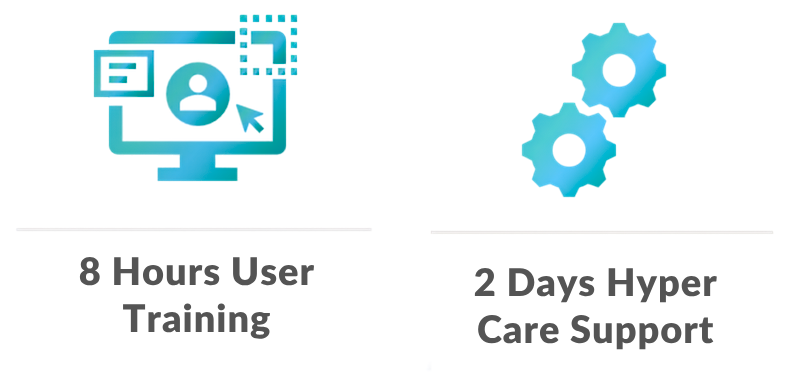
Core user training (5 Full Users):
|
8 Hours split across three sessions | As per Project Plan |
|
Admin training (2 User):
|
4 hours | 8 hours |
| Teams Telephone Integration | ✅ | ✅ |
| Organisation chart for Customer, Opportunity Pipeline | ✅ | ✅ |
| Sales accelerator and sales usage reports | ✅ | ✅ |
| Goals and Forecasting | ❌ | ✅ |
|
Out-of-the-box Integration with Business Central for entities–
|
✅ | ✅ |
Choose your Quick Start Package and let our experts help you streamline your sales operations.
Get started today and see immediate results!
Microsoft Dynamics 365 Sales
Comprehensive functionality to help your teams succeed
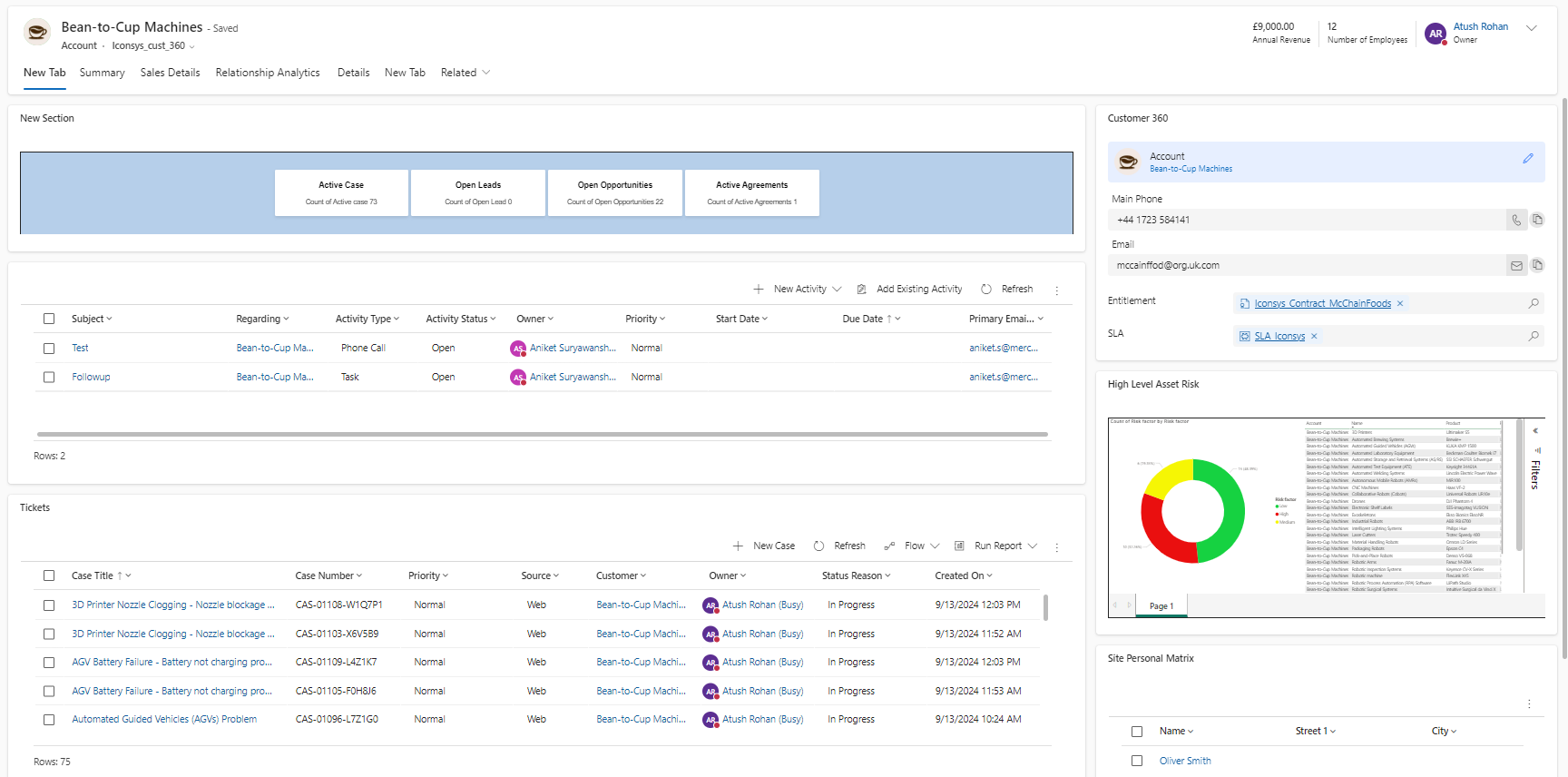
Accounts & Contacts
Manage all your customer information in one place.
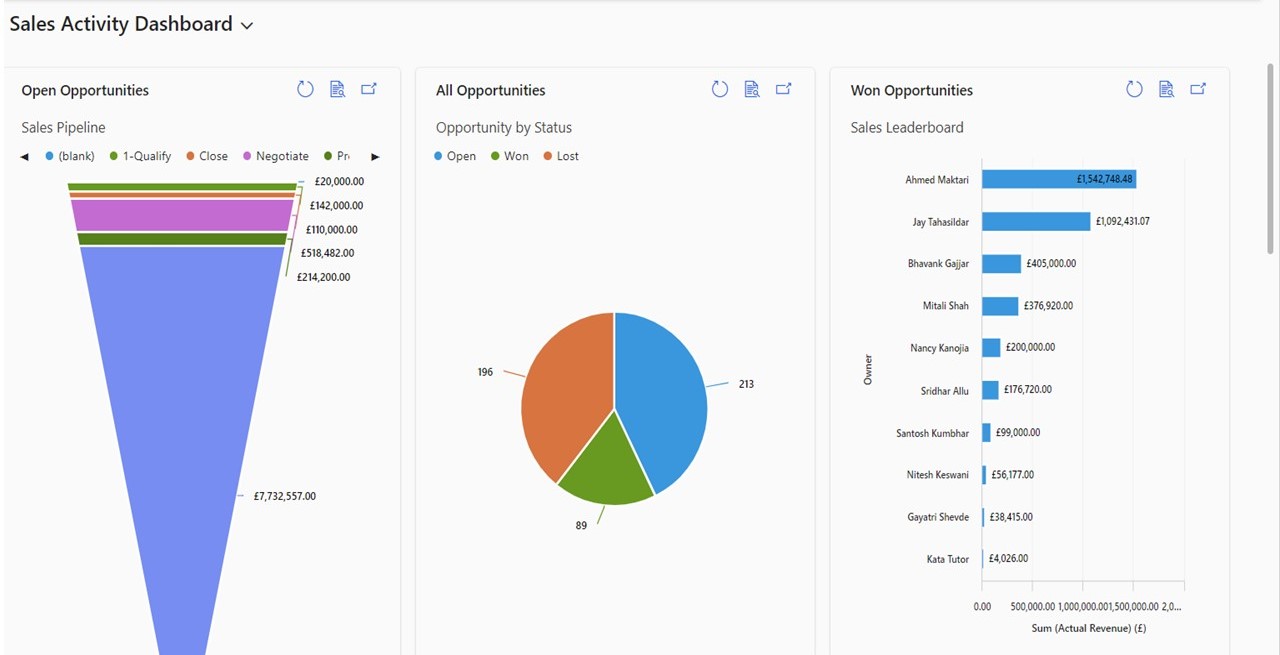
Sales Pipeline & Funnel
Easily track and manage leads through the sales funnel
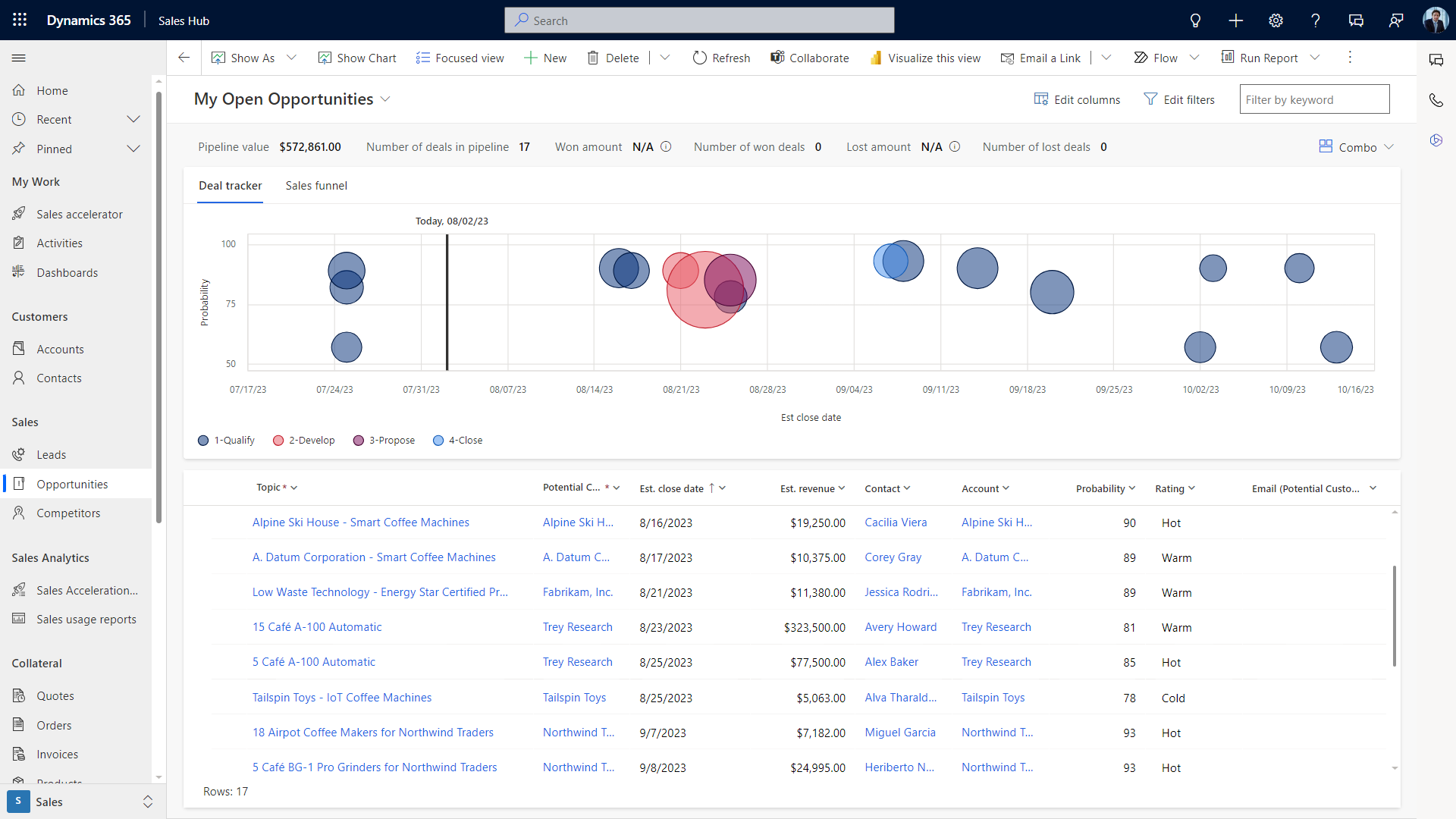
Opportunity Management
Monitor each stage of the sales process, track interactions, and forecast outcomes.
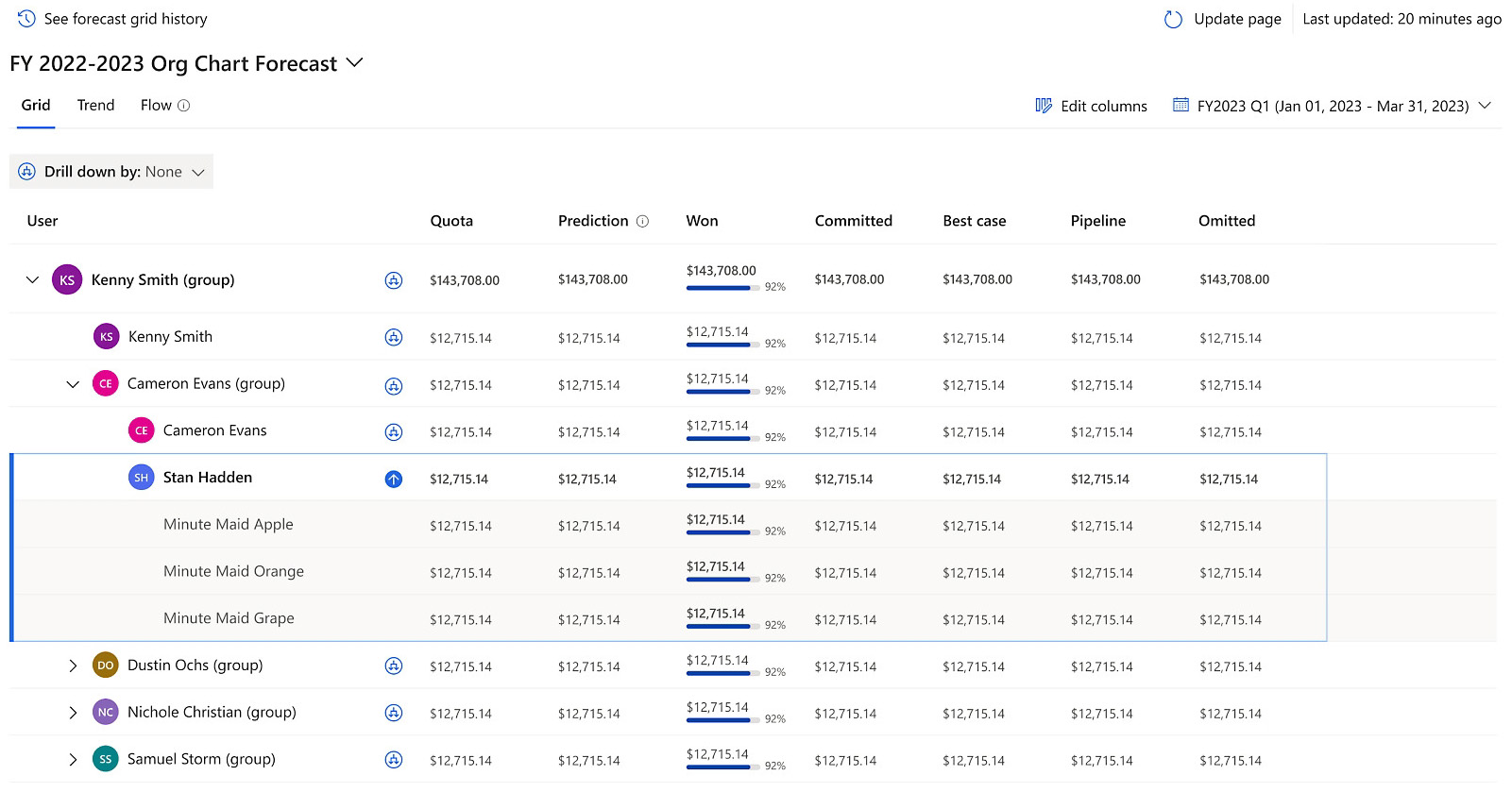
Predictive Analytics & Forecasting
Leverage AI insights to predict sales outcomes, identify trends, and forecast revenue
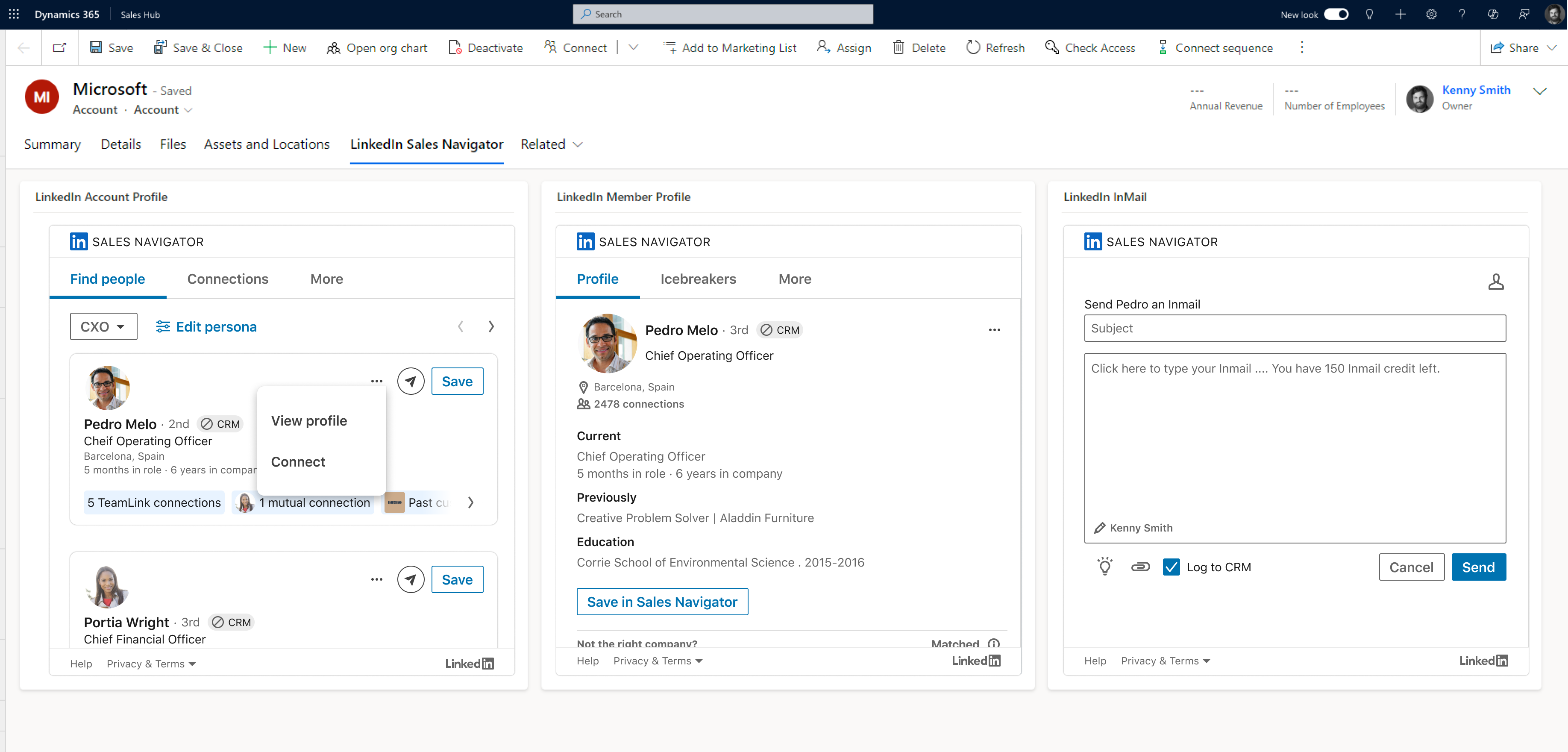
LinkedIn Sales Navigator*
Build relationships, discover new leads, and gain valuable insights to enhance outreach efforts.
* Additional Cost
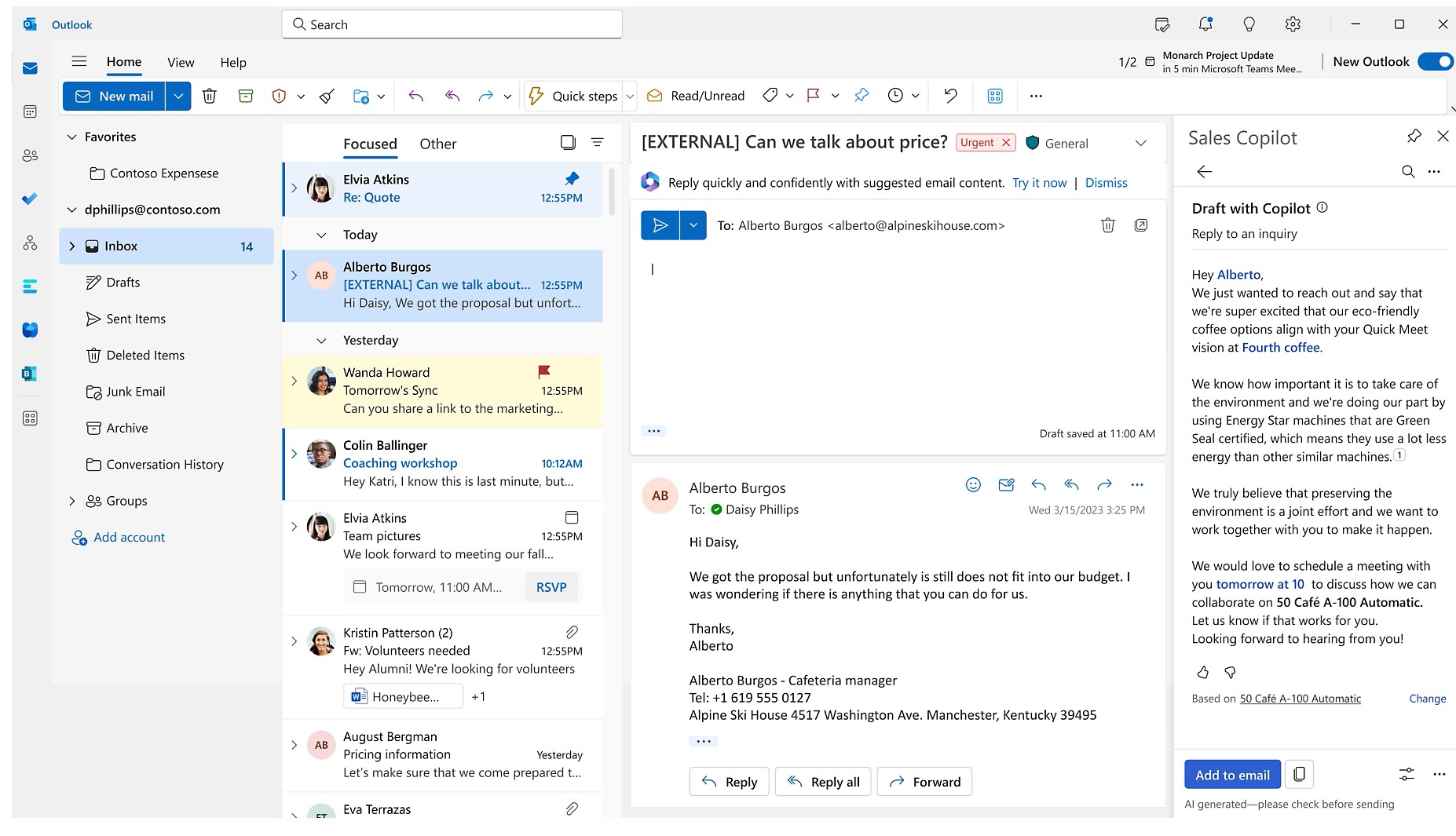
Integration with Office 365
Work seamlessly with familiar Microsoft tools like Outlook, Excel, and Teams
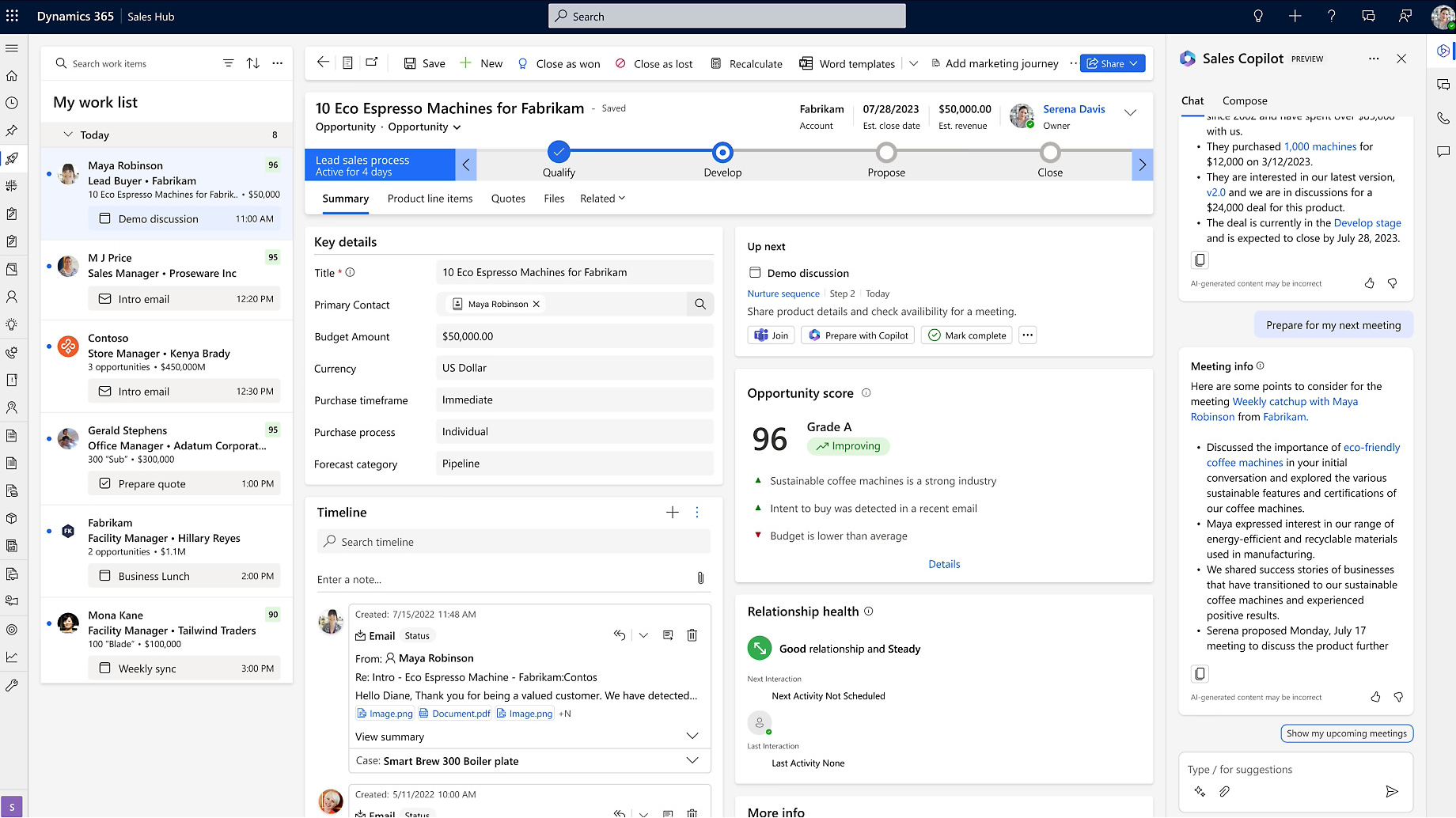
AI Copilot
Assists sales teams with intelligent recommendations & automating tasks
*Only available with Sales Enterprise and above
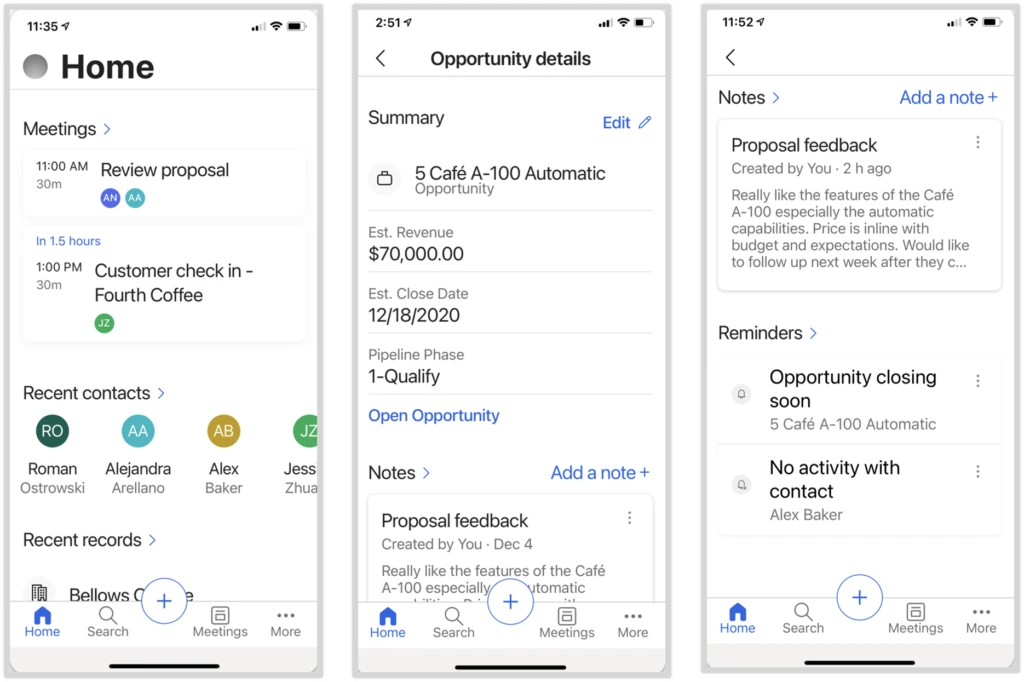
Mobile Accessibility
Leverage AI insights to predict sales outcomes, identify trends, and forecast revenue
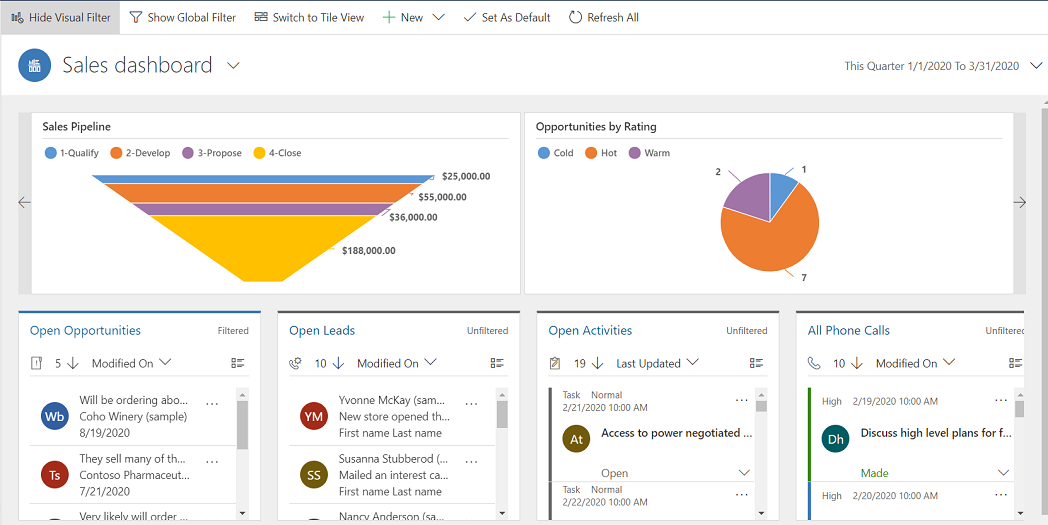
Dashboards & Reports
Track progress, analyse trends, and make informed decisions, driving continuous improvement
Frustrated with Complex Sales Processes?
Don’t let disjointed systems slow you down. Our Quick Start Package for Dynamics 365 Sales simplifies setup,
automates tasks, and empowers your team to close deals faster.
Training & Support from Day 1
Implementing a solution is one thing, but without adequate training and support, you’re not going to get the full benefits of using it.
Our offer includes comprehensive training for core users and admin training to ensure you’re set up for success from day one.

Customer Success
Don’t just take our word for it, see how we’ve helped numerous customers across industries.


Got questions? Contact a Dynamics 365 Sales Expert
Frequently Asked Questions
How quickly can Dynamics 365 Sales be implemented using the Quick Start Package?
The Quick Start Package is designed for rapid deployment, typically allowing organisations to go live within a few weeks. It uses preconfigured best-practice sales processes to reduce implementation time and risk.
Who should consider the Dynamics 365 Sales Quick Start Package?
This package is ideal for small to mid-sized sales teams or organisations starting their CRM journey. It’s also suitable for businesses replacing spreadsheets or legacy CRM systems quickly.
What sales processes are covered in the Quick Start Package?
The package focuses on core sales processes such as lead management, opportunity tracking, account and contact management, and basic sales reporting to support immediate productivity.
Does the Quick Start Package support future scalability?
Yes. While the initial deployment is streamlined, the solution can be extended with advanced automation, integrations, and customisations as your sales operations grow.
How does the Quick Start Package help improve sales visibility?
Prebuilt dashboards and reports provide real-time visibility into pipelines, deal stages, and sales performance, enabling better forecasting and decision-making.
Is user training included as part of the Quick Start Package?
Yes. User training is included to ensure sales teams understand how to use Dynamics 365 Sales effectively from day one and adopt the system confidently.
Can Dynamics 365 Sales integrate with Outlook and Microsoft Teams?
Yes. The solution integrates seamlessly with Outlook, Teams, and Microsoft 365, allowing sellers to manage emails, meetings, and CRM data in one workflow.
What level of customisation is possible after go-live?
After the initial setup, organisations can customise fields, workflows, dashboards, and automation to align the system with specific sales processes and industry needs.
What business results can be expected from a Quick Start deployment?
Businesses often experience improved lead tracking, shorter sales cycles, better pipeline accuracy, and reduced manual effort across sales activities.
How does Mercurius IT support the Quick Start implementation?
Mercurius IT provides solution scoping, configuration, deployment, user training, and post-go-live support to ensure a smooth and successful rollout.



![Xero to Business Central Migration [Smart move in 2026]](https://www.mercuriusit.com/wp-content/uploads/cover-510x382.jpg "Quick Start Package for Dynamics 365 Sales 22")