
Key Takeaways
Webhooks in Microsoft Dynamics 365 Business Central allow external systems to receive automatic notifications whenever specific data changes occur in the ERP.
-
Webhooks enable real-time notifications when entities such as customers, sales orders, or invoices change in Business Central.
-
Businesses can integrate external applications, APIs, or automation tools by sending push notifications to a defined endpoint URL.
-
A webhook subscription requires a notification URL and validation handshake to verify the endpoint before notifications are activated.
-
Once configured, Business Central automatically sends event-based updates whenever subscribed data entities are created, updated, or deleted.
-
Webhooks support real-time integrations, automation workflows, and system synchronisation across platforms.
Webhooks is the way to get notified if an entity changes in Dynamics 365 Business Central and it will create push request which is based on subscription. There is no need to write code to send a request to an end point.
Any system that subscribes to the webhook will be notified when a record is modified on the endpoint that they have set up when subscribing.
Any page of type API can be subscribed to without having to do anything extra.
Setup for Webhook
For Business Central Cloud you do not need to do anything to set up webhooks, however on-prem you will need to enable OData, API as webhook will only fire if the service tier that triggers the events has API enabled, so you will have to enable API on the service tier that the users access. All subscriptions are fired as a background job queue.
Create & Update Webhook Subscription
For creating the subscription in Business central, Post Request will be sent to create the subscription and will create a record in the table 2000000095 API Webhook Subscription.
It will be valid for three days, this can, however, be changed on-premises, after a subscription has expired you must renew it using a Patch Request.
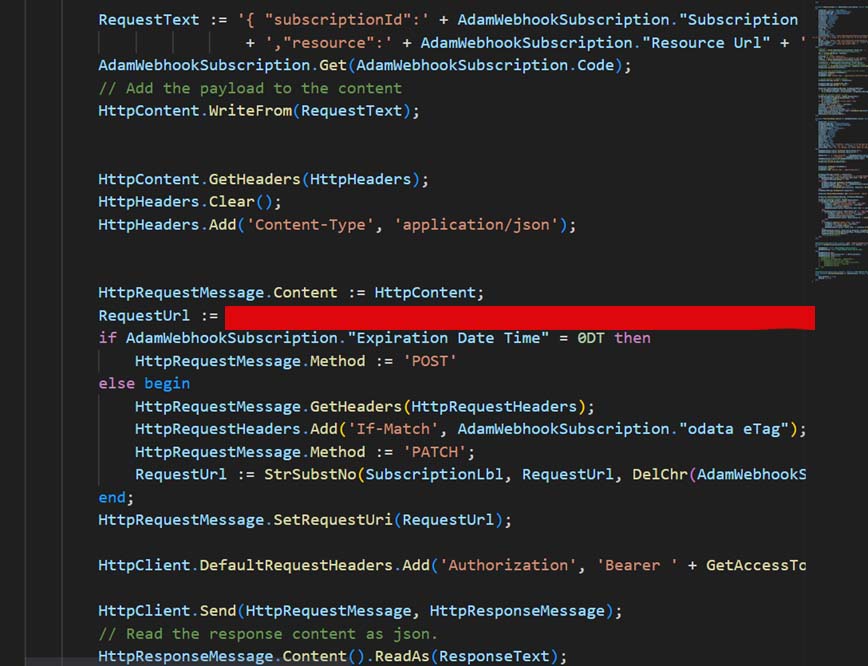
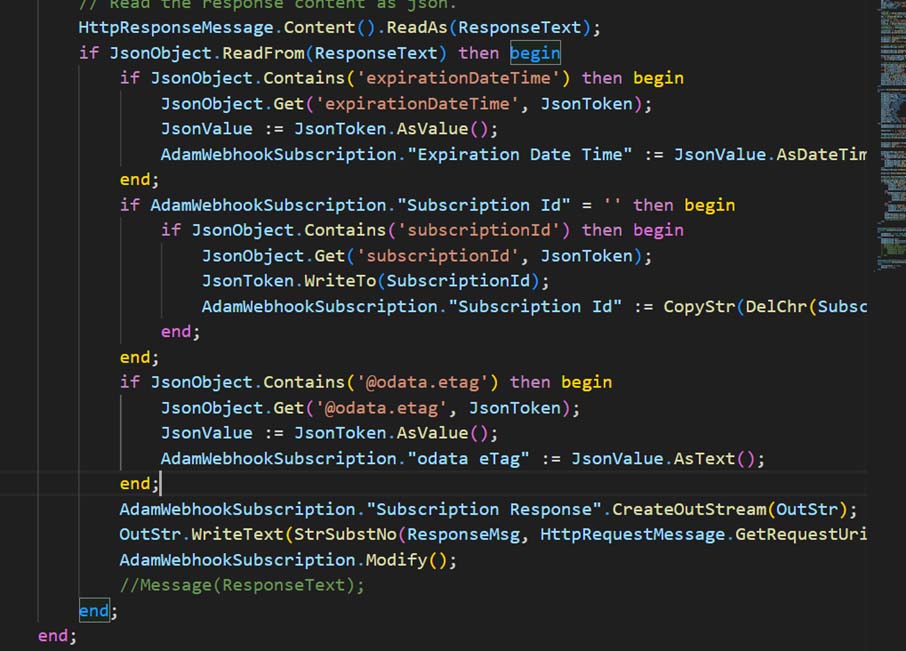
if a global trigger is called for a table that has a subscription, then it will create in Table 2000000096 API Webhook Notification and a background Task Scheduler will be run Codeuint 6154 API Webhook Notification Send which will notify all active subscribers by sending a JSON request to their endpoints which the subscriber can then use to call your API page.

User Permission for sending Webhook Notification
System will check following permission on the User who is updating the record in Business central and if it does not meet then notification will not be send to the active subscribers.
– Write/Read permission on Job Queue Entry
– Can create Task
– User Security Id exists in BC
– User’s license type is not Limited User
Get a free quote
Frequently Asked Questions
What is a webhook in Dynamics 365 Business Central?
A webhook is a mechanism that sends automatic notifications to an external endpoint whenever a specific entity or record changes in Business Central.
Why use webhooks in Business Central integrations?
Webhooks enable real-time integrations by pushing notifications instantly when data changes instead of requiring constant API polling.
How do you configure a webhook in Business Central?
You configure a webhook by creating a subscription through the Business Central API, specifying the resource to monitor and a notification URL where event updates will be sent.
What happens during webhook subscription validation?
When a webhook subscription is created, Business Central sends a validation token to the notification URL. The endpoint must return the token with a 200 OK response to complete the handshake and activate the subscription.
What types of events trigger webhook notifications?
Webhook notifications are triggered when subscribed entities are created, updated, or deleted, allowing external systems to react immediately to data changes.
